A Production Checklist for Agent Memory
A go-live checklist for agent memory: keys and environments, end-user ids, timeouts and fallbacks, logging, deletion, retrieval quality and plan limits.
Published on 7 min read
On this page
Agent memory tends to fail quietly in production. A development key ships in the deployed app and every customer looks new. The monthly plan limit is reached and searches return empty lists with no error. A client timeout nobody set turns a slow lookup into a slow reply.
This checklist covers what to verify before launch and what to watch after it. Each item names the MemorySync mechanism behind it. The running example is a support desk in which every customer is an end user.
Keys, scopes and environments
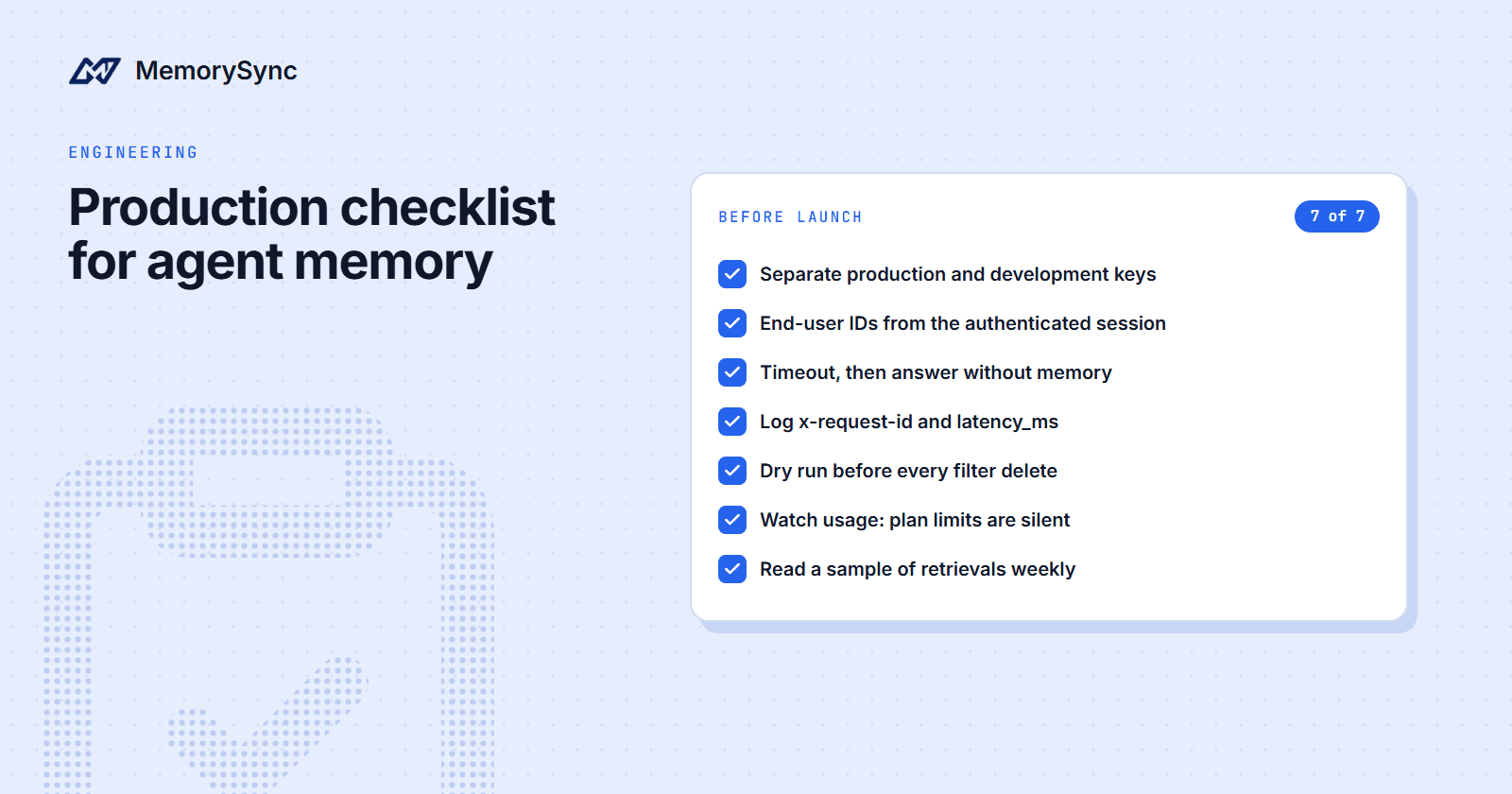
- Separate production and development keys. The environment comes from the key, never from the request body, so the two keys read and write different data. A mix-up raises no error; it looks like missing memories.
- Keys only on the server. Each key belongs to one organization and can be rotated or revoked at any time. Know who owns each key, and rotate it when someone with access leaves.
- Project-locked keys where you can. A key created while a project is selected is locked to that project. An organization-wide key must send
X-Project-ID(proj_plus 16 hex characters) on every call. - Explicit scopes. Delete routes require
memories:delete. A key created with an empty scope list has full access, for backward compatibility, so set the list on every key. - Read-only agents where content is untrusted. In the LangChain package,
create_memorysync_tools(..., read_only=True)returns only the search and list tools, and the MCP server hides tools a connection cannot use. Memory poisoning explains why this matters.
End-user identity
- An end user on every call. Every API-key call must send
X-End-User-ID. When we ran a query without it against production, the API answered 400 with the codeMISSING_END_USER_ID. - Derived on the server. Take the id from the authenticated session, never from a field the client controls.
- Stable and opaque. Use your internal customer id, not an email address. Ids longer than 128 characters return 400 with
INVALID_END_USER_ID. Choosing end-user IDs covers the format. - Isolation tested. Write a fact for one test user and search for it as another. In our run, a memory stored for
alexdid not come back whensamsearched for it. - No trust in sessions.
session_idgroups turns; it is not a security boundary.
Failure handling
Memory should improve a reply without being able to block one.
- A timeout you chose. The Python client's default
timeoutis 30 seconds, longer than a support reply can wait. Set it from your reply budget. - A fallback. On timeouts, network errors and 5xx responses, answer without memory and log the event.
- Bounded retries. Retry writes on 429 and 5xx in the background, with a cap, using
RateLimitError.retry_after_secondsfor the delay. For a read inside a live turn, answer without memory instead of waiting. Never retry 400, 401 or 403: those are bugs or configuration, and they need an alert. - Usage alerts. At the monthly plan limit, Free and paid plans degrade silently: writes store nothing and answer normally, and reads return an empty list. Your code sees no error, so alert on usage. Silent degradation shows the exact responses.
- No conclusions from evaluation keys. Evaluation keys return 429 with the reason when they reach their limits, so a test on one does not show how production behaves at the limit.
- Writes after the reply.
add()(POST/memory/add) runs extraction before it returns the stored memory.add_turn(POST/v1/memory/add_turn) returns immediately withstatus: "processing"and arequest_id, and the facts appear shortly after. Either way, write after the reply has gone out. - Safe write retries. Send your own
client_refwith each write. A retry with the same value returns a skipped response with reasonalready_ingestedinstead of storing a second copy. Safe retries covers the pattern.
A recall function that follows these rules:
import loggingimport osfrom memorysync import (AuthError,MemorySyncClient,MemorySyncError,RateLimitError,ValidationError,)log = logging.getLogger("support.memory")def recall(customer_id: str, message: str) -> list:"""Memories for this turn. Never raises: the reply goes out either way."""try:with MemorySyncClient(api_key=os.environ["MEMORYSYNC_API_KEY"],base_url="https://api.memorysync.io",end_user_id=customer_id, # from the authenticated sessiontimeout=float(os.environ["MEMORY_TIMEOUT_SECONDS"]), # your reply budget) as ms:result = ms.query(message, k=5)except (AuthError, ValidationError) as err:# A key, scope or request bug. It will not fix itself, so alert on it.log.error("memory misconfigured status=%s request_id=%s", err.status_code, err.request_id)return []except RateLimitError as err:log.warning("memory throttled retry_after=%s request_id=%s", err.retry_after_seconds, err.request_id)return []except MemorySyncError as err:# Timeouts, network failures and 5xx responses.log.warning("memory unavailable status=%s request_id=%s", err.status_code, err.request_id)return []log.info("memory ok latency_ms=%s memory_ids=%s",result.latency_ms,[m.id for m in result.memories],)return result.memories
An empty list from a successful call is a normal answer. It can mean nothing relevant is stored, or that the plan limit was reached, which is why the usage alert matters.
Logs, traces and webhooks
- Request ids. Every response carries an
x-request-idheader, and the Python SDK's errors expose it asrequest_id. Log it with every failure, so a support ticket can point at one call. - Server time. Every query response includes
latency_ms, the server's retrieval time, so you can measure it from your own region. Total time also includes the network path between your application and our API, which depends on where you run. - Memory ids per answer. Log the ids of the memories each answer used, not their text. When a customer disputes an answer, the ids show what the model saw, and your logs stay free of memory content.
- Traces.
opentelemetry-instrumentation-memorysyncrecords MemorySync operations as OpenTelemetry spans for AgentOps, Respan or any other OpenTelemetry backend. Memory content is excluded from spans by default. - Webhooks. If another system mirrors memory, subscribe it to
memory.created,memory.updatedandmemory.deleted. Deliveries are signed with HMAC-SHA256 using awhsec_secret that is shown once, so verify the signature before acting on one. Failed deliveries retry with bounded exponential backoff before reaching a dead-letter state you can see.
# pip install memorysync opentelemetry-instrumentation-memorysyncfrom opentelemetry.instrumentation.memorysync import instrument_memorysync# Call once at startup. MemorySync operations such as add and query then# produce spans; memory content stays out of them unless you opt in.instrument_memorysync()
Data lifecycle
- A tested deletion flow.
forget()takes either ids or filters, never both, and only deletes the calling end user's memories. Run it on a disposable test user before launch. - Dry runs first.
forget(filters=..., dry_run=True)returns the ids a filter would delete and removes nothing. - Audited deletes where you need evidence.
POST /v1/memory/forgetwrites an audit entry and emitsmemory.deleted. - Transcripts included. If you keep conversation history in MemorySync,
delete_history(..., delete_derived_facts=True)deletes a session's turns and the facts extracted from them. - Never the purge route.
DELETE /memory/user/purgeerases the whole account behind the credential, including its API keys and sign-in. The Python SDK'spurge_user()always raises for that reason.
Retrieval quality
- Small k, current message. Query with the customer's latest message, and keep
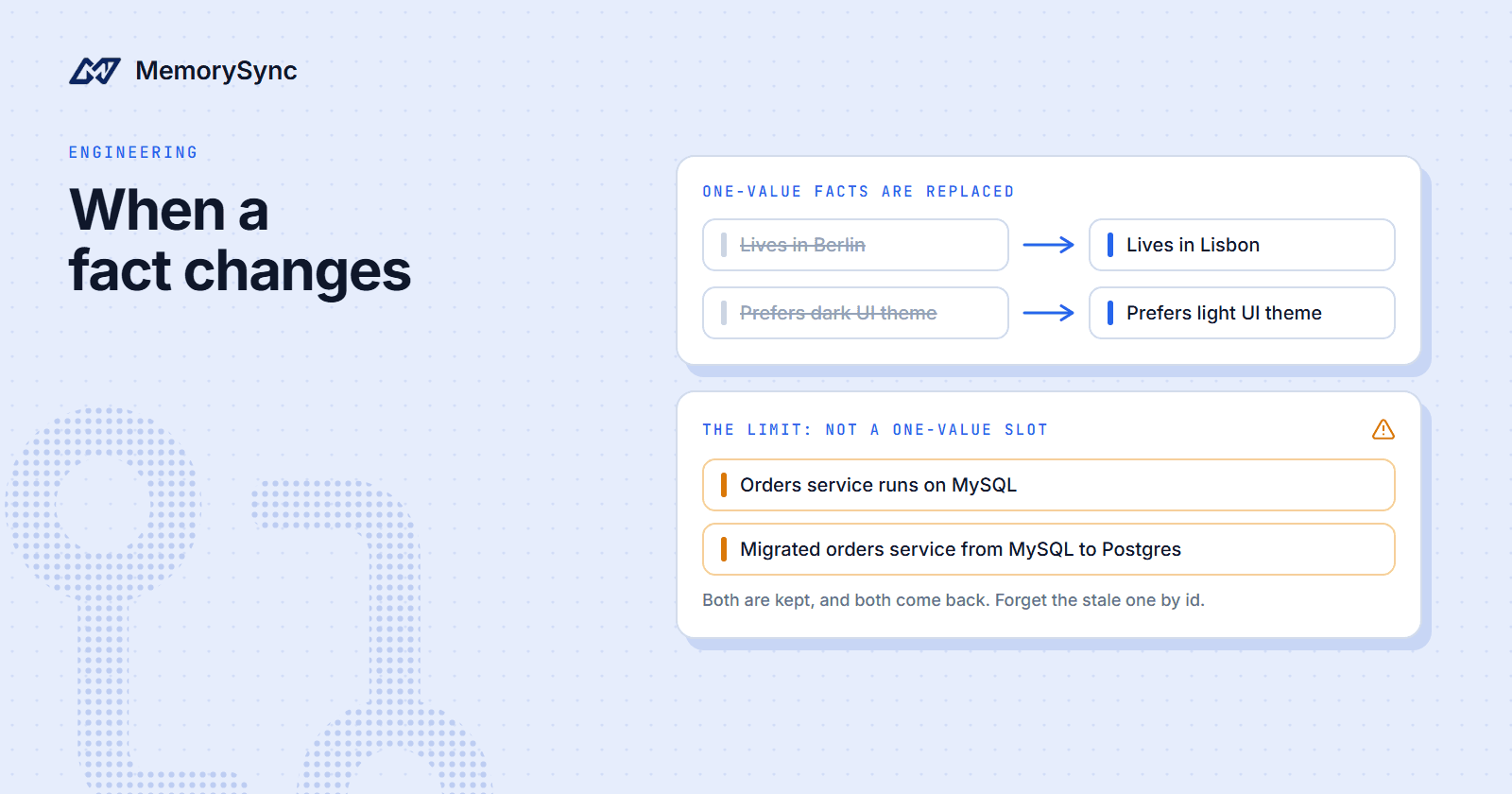
kat the default of 5 unless your own evaluation says otherwise. - A score floor. A question about something never stored still returns its nearest neighbours. When we asked production for a user's favourite pizza topping, with nothing about food stored, it returned "Prefers light UI theme" with a score of 0.119, while relevant hits in the same run scored 0.43 to 0.64. Choose your floor from your own data.
- A weekly sample. Read 20 to 30 real turns each week: the message, the memories returned and whether each was relevant. Keep the sample access-controlled and delete it after review.
- Feedback. When a customer confirms or rejects a remembered fact, send
feedback(). It moves the memory's importance, a ranking factor, and is not billed. - A regression set. Keep a few questions with known answers and rerun them after any change to how you write memories. How to evaluate memory retrieval shows how to build one.
Capacity and plan limits
Plans meter requests, not tokens; extraction and embedding are included. Every plan allows ten times as many add requests as retrieval requests, so an agent that searches on every turn usually reaches its retrieval limit first.
| Plan | Price | Add requests a month | Retrieval requests a month |
|---|---|---|---|
| Free | $0 | 10,000 | 1,000 |
| Starter | $29 a month | 50,000 | 5,000 |
| Pro | $179 a month | 250,000 | 25,000 |
| Scale | $349 a month | 500,000 | 50,000 |
| Enterprise | Custom | Custom | Custom |
- Count per call. A
queryis one retrieval and anadd()is one add.add_turncounts one add for every turn you send, including assistant turns that store nothing, so send only user turns. - History and state. A history append counts one add however many turns it carries, and a state put counts one add. History and state deletes are free, and
feedbackis not billed. - Headroom. Enterprise plans have custom limits and include an SLA. Pricing lists the current plans.
Before you launch
The production checklist in the docs turns these items into release gates, each with the evidence that satisfies it. Work through it with a disposable test user before the first real customer arrives.