Choosing End-User IDs You Will Not Regret
Every memory belongs to an end user, and that id decides what you can retrieve and delete later. How to pick one: opaque, server-resolved, one per person.
Published on 6 min read
On this page
Every memory you store in MemorySync belongs to one end user, named by an id your server sends with each request. That id is close to permanent. It is the key you retrieve with and the key you delete with, so a careless choice on the first day turns into a data migration later.
The rules below follow one running example: a support assistant inside a B2B product. People sign in, belong to customer accounts, and some of them chat as guests before they create an account.
Why the id is close to permanent
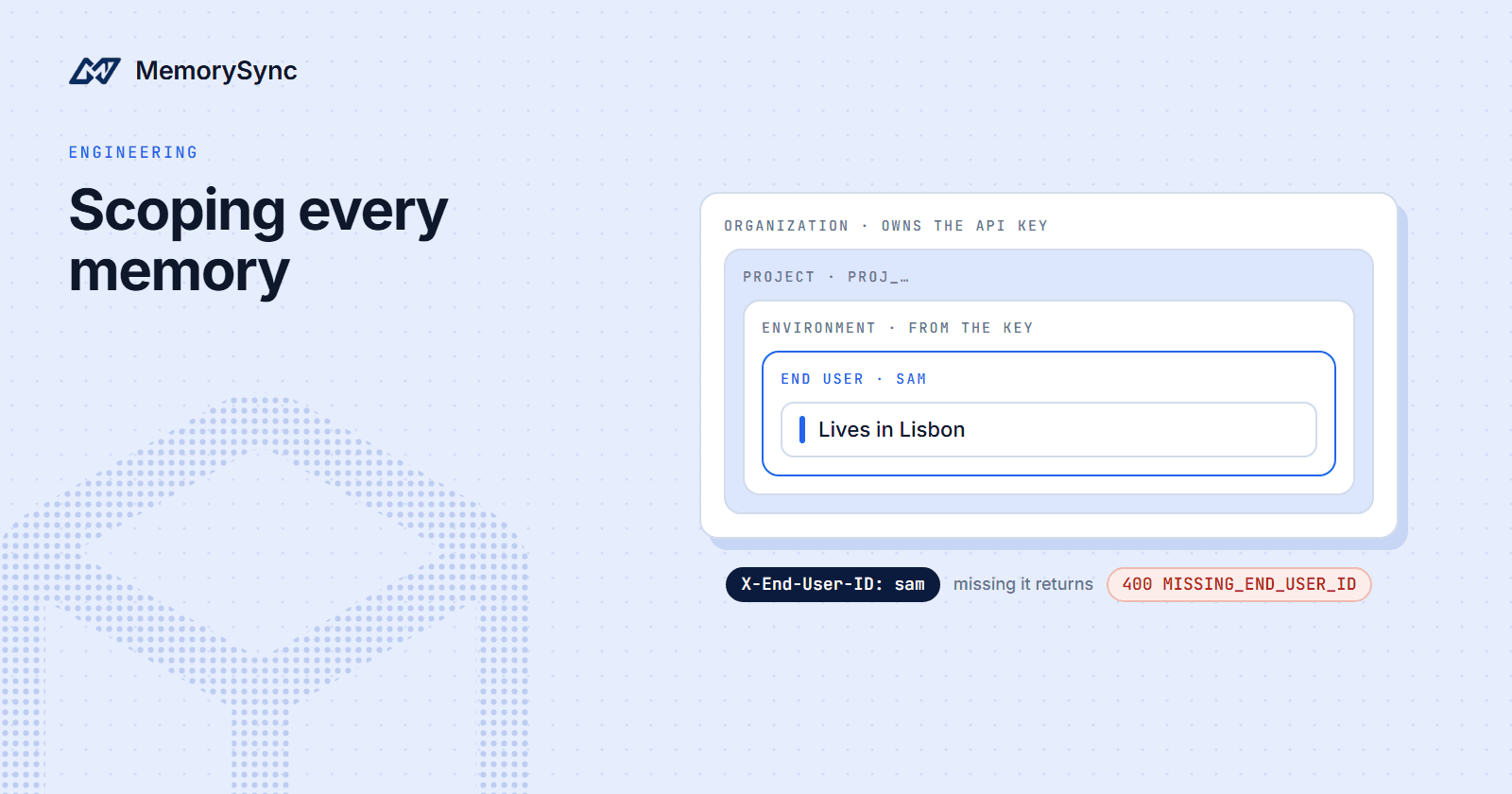
Every API-key call must name an end user in the X-End-User-ID header, or in an end_user_id body field. Reads, searches and deletes are filtered to that end user, within the project and the environment of the key. A request that names no end user is refused with a 400.
Retrieval only sees what was written under the same id. If the web app writes under one id and the mobile app reads under another, the person seems to have no memory at all.
Deletion works the same way. forget() removes memories for the end user the client names, so honouring a deletion request means knowing every id that person has had.
Changing the scheme later does not move anything. MemorySync treats a new id as a new person, and memories written under the old id stay where they are.
Use an opaque internal id
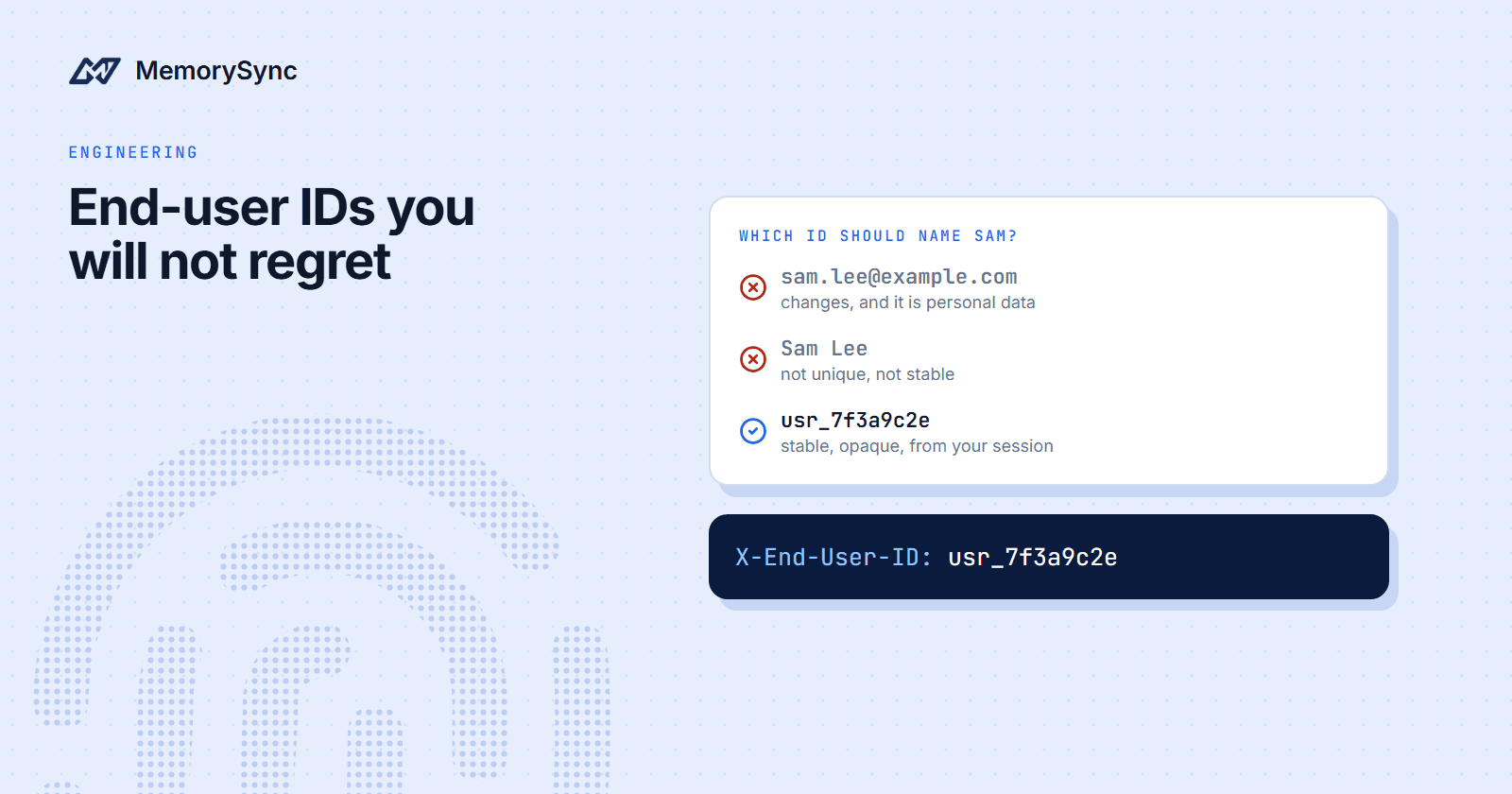
Use a stable, opaque id that your own system generates, such as usr_7f3a9c2e. Stable means it never changes for the life of the account. Opaque means it says nothing about the person, so it is harmless in request headers, logs and support tickets.
| Candidate | Why it causes trouble |
|---|---|
| Email address | People change it, companies reassign it to new staff, and it puts personal data in a header on every request |
| Phone number | Carriers recycle numbers, so a new owner can inherit the previous owner's memories |
| Username or handle | People rename themselves, and the memories stay under the old name |
| Session id or access token | It rotates, so every new session starts with an empty memory |
| Internal opaque id | Stable for the life of the account and meaningless outside your system |
Our docs give the same advice: stable, opaque end-user ids rather than email addresses. If your app already keys users by email, add an opaque id column and send that.
Watch for ids that are only unique inside one customer account. If two customers each have a user 42, sending 42 puts two people in one scope. Generate a globally unique id, or combine the user id with the customer account's opaque id.
Resolve it on your server
The end-user id comes from the authenticated session on your server. Never take it from the request body, a header the browser sets or a URL parameter. If a client can choose the id, any signed-in user can read another user's memories by editing one string, and MemorySync cannot tell, because the request is correctly scoped to the id it was given.
Keep the API key on the server for the same reason: the browser talks to your backend, and your backend talks to MemorySync. In Python, build a client for each request with the signed-in user's id:
import osfrom memorysync import MemorySyncClientdef memory_client(end_user_id: str) -> MemorySyncClient:return MemorySyncClient(api_key=os.environ["MEMORYSYNC_API_KEY"],base_url="https://api.memorysync.io",end_user_id=end_user_id, # sent as X-End-User-ID)def relevant_memories(session, question: str) -> list[str]:user = session.user # set by your authentication layer, never by the request bodywith memory_client(user.id) as ms: # user.id looks like "usr_7f3a9c2e"result = ms.query(question, k=5)return [m.text for m in result.memories]
query() always uses the client's end_user_id. add() also accepts a per-call end_user_id that overrides the client default. That suits a background worker that writes for many people: it can share one client instead of opening new connections for every write.
with MemorySyncClient(api_key=os.environ["MEMORYSYNC_API_KEY"],base_url="https://api.memorysync.io",) as ms:for note in closed_ticket_notes: # each note records whose ticket it wasms.add(note.text, end_user_id=note.user_id)
One id per person
Use the same id for the same person everywhere your product meets them: web, mobile, email replies, a chat widget. A device id on mobile and an account id on the web split one person into two scopes. Neither half can see the other, and a deletion under one id leaves the other behind.
The opposite mistake is one id for several people. A shared team login, or one id for a whole customer account, mixes everyone's preferences, and the assistant will repeat one person's details to another. Our multi-tenant guide states it as a rule: never use a shared end-user identifier for unrelated people.
When an account closes, delete its memories and retire the id. Never hand an old id to a new account.
Teams and shared memory
B2B products often need two kinds of memory: what one person prefers, and what a whole team has agreed. Keep them apart. Personal preferences go under each person's id, and shared conventions go under a workspace-level id such as team-engineering, which is the pattern our docs use.
MemorySync treats team-engineering as one more end user, so your server decides who may read it and who may write to it. A search covers one end user at a time, so the assistant runs one query for the person and one for the team, then merges the results:
# account.memory_id is the customer account's opaque id, e.g. "acct_3b9e1d42"team_id = f"{account.memory_id}-team-engineering"with memory_client(user.id) as personal, memory_client(team_id) as team:mine = personal.query(question, k=5).memoriesshared = team.query(question, k=5).memoriescontext = [m.text for m in mine + shared]
The prefix matters in a product with many customers. team-engineering sent on behalf of two different customers is one scope, so build each team id from the customer account's opaque id.
Guests who sign up later
A guest who chats before creating an account is still one person. Generate the opaque id on the server at the first visit, keep it in the server-side session, and give the new account that same id at sign-up. Everything the guest told the assistant is already under the right id, so nothing needs copying.
import secretsdef end_user_id_for(request) -> str:# request is your web framework's request objectif request.user is not None:return request.user.idif "guest_id" not in request.session: # server-side session, never a client valuerequest.session["guest_id"] = f"usr_{secrets.token_hex(16)}"return request.session["guest_id"]def sign_up(request, email: str):# create_user is your own code; the account keeps the id the guest already hasuser_id = request.session.get("guest_id") or f"usr_{secrets.token_hex(16)}"return create_user(id=user_id, email=email)
Do not reuse the framework's own session id for this. Many frameworks issue a new session id at sign-in, which is exactly when you need the end-user id to stay the same.
A guest who signs in to an existing account leaves you with two ids for one person. Decide which guest memories are worth keeping, write those under the account id, and delete the rest under the guest id with forget() so they do not linger.
Sessions are not users
A session_id groups the turns of one conversation. It does not change who owns a memory, and it is not an access boundary. One person can have hundreds of sessions and still has one end-user id.
Putting a session id in X-End-User-ID is a common early mistake. Every new conversation then starts with an empty memory, which removes the reason to use a memory API at all. Pass the conversation id as session_id on add() or query() when you want to group turns, and keep the end user stable.
Next step
Before launch, run the isolation tests listed in the multi-tenant guide: one user cannot retrieve another user's memory, missing scope fails safely, and deletions reach only the intended end user.