Sessions and Memory for the OpenAI Agents SDK
A Session for the OpenAI Agents SDK that keeps history across restarts and handoffs, plus long-term memory from user messages, with openai-agents-memorysync.
Published on 3 min read
On this page
The OpenAI Agents SDK has a clean answer for conversation state: pass a session to Runner.run, and the SDK reads prior items before a run and writes new ones after it. The built-in implementations keep those items in SQLite or Redis, which you then run, back up and scale yourself. And a session holds one conversation; nothing in it carries what the user said in other conversations.
openai-agents-memorysync implements the SDK's Session protocol on MemorySync. Session items are kept server-side exactly as the SDK wrote them, and the durable facts in the user's messages become long-term memories that any later conversation can use.
Install
pip install openai-agents openai-agents-memorysyncexport MEMORYSYNC_API_KEY=ms_...export OPENAI_API_KEY=sk-...
Python 3.10 or newer. The package is Python only; TypeScript agents can use the Vercel AI SDK or Mastra integrations.
A session that survives restarts
from agents import Agent, Runnerfrom openai_agents_memorysync import MemorySyncSessionagent = Agent(name="Assistant",instructions="You are a helpful assistant.",)session = MemorySyncSession("thread-42", # the conversationuser_id="customer-7", # the end user it belongs to, required)# First runawait Runner.run(agent, "I'm vegetarian and I fly aisle.", session=session)# Any later run: same session id, any process, any deployresult = await Runner.run(agent, "Book my trip: flight plus a dinner spot.", session=session)
The second run sees the full prior history, the same as with the built-in sessions, but nothing lives on the machine that ran the first one. A deploy, a crash or a different worker picking up the conversation does not lose it.
Each item is stored exactly as the SDK wrote it, so replay is exact. The transcript is never listed or searched as memories. Separately, the durable facts in the user's messages are sent to extraction and become memories for customer-7. Assistant replies are not stored as memories.
Handoffs share the session
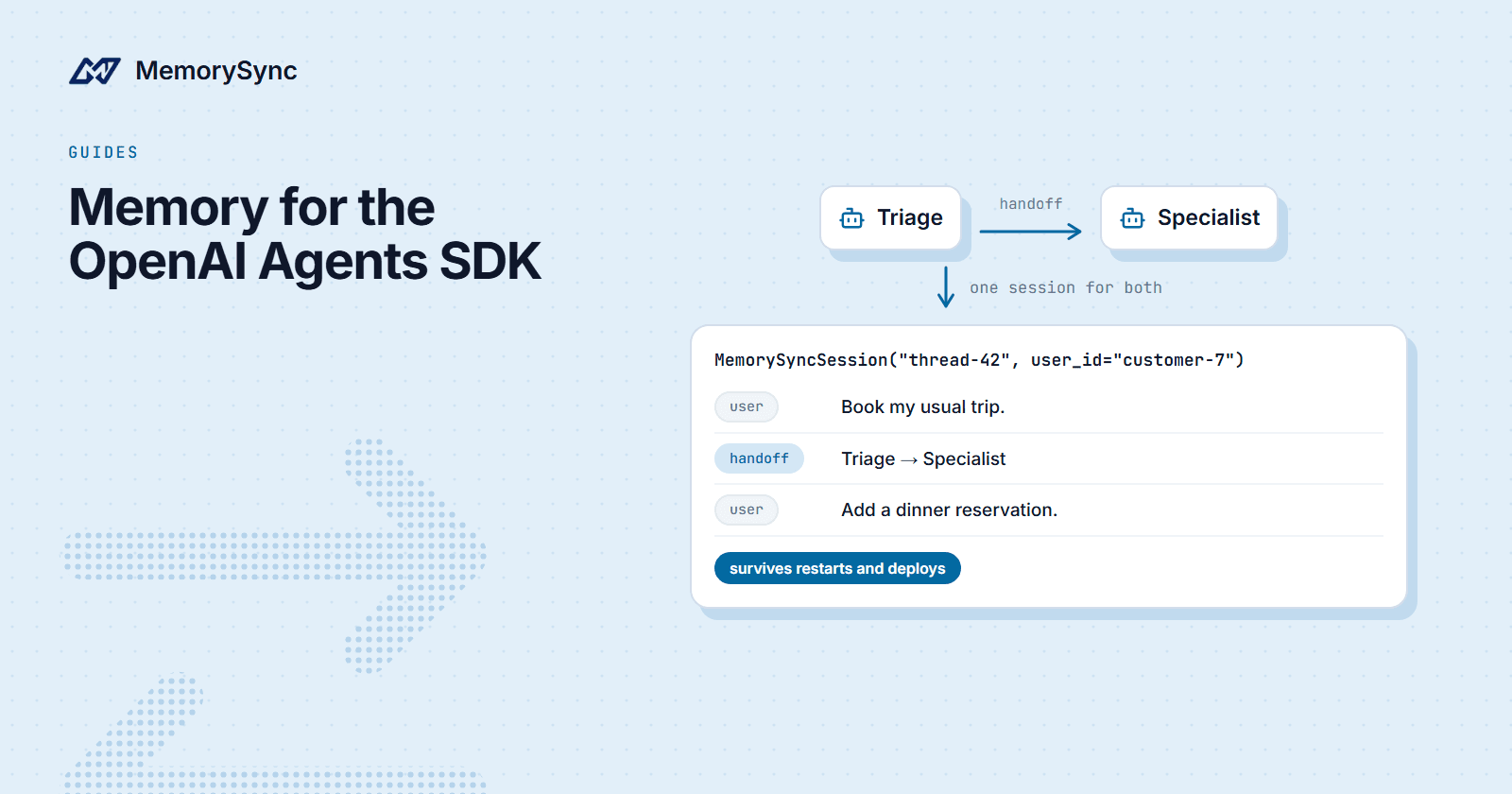
In a multi-agent setup, a handoff happens inside one run, so every agent in it reads and writes the same session. A later run by any of the agents gets the whole history, handoff included.
specialist = Agent(name="Specialist",instructions="You handle travel bookings end to end.",)triage = Agent(name="Triage",instructions="Route travel questions to the specialist.",handoffs=[specialist],)session = MemorySyncSession("thread-42", user_id="customer-7")result = await Runner.run(triage, "Book my usual trip.", session=session)await Runner.run(specialist, "Add a dinner reservation.", session=session)
Memory from other conversations
A session is one thread. To start every run with what MemorySync knows about the user from all their threads, wrap your instructions with memory_instructions:
from agents import Agentfrom openai_agents_memorysync import memory_instructionsagent = Agent(name="Assistant",instructions=memory_instructions("You are a helpful assistant.",user_id="customer-7",),)# On a multi-user server, resolve the user per request instead:agent = Agent(name="Assistant",instructions=memory_instructions("You are a helpful assistant.",user_id=lambda ctx: ctx.context.user_id, # your context object),)
Each time the SDK builds the system prompt, a block of relevant memories is added under your instructions, for example "Relevant memories about this user from previous conversations: Is vegetarian; Flies aisle". By default it uses the user's newest facts, or recall against a prompt you supply.
The per-request form matters on a server. A fixed user_id in a module-level agent would give every request the same user's memories.
Tools when the agent should decide
create_memory_tools gives the agent structured tools to store and search memory explicitly. They never raise; a failure comes back as text the model can read.
from agents import Agent, Runnerfrom openai_agents_memorysync import create_memory_toolsagent = Agent(name="Assistant",instructions="Use the memory tools to remember durable facts.",tools=create_memory_tools(user_id="customer-7"),)await Runner.run(agent, "Remember that I prefer aisle seats.")# Agents you do not fully trust: search and list onlycreate_memory_tools(user_id="customer-7", read_only=True)
For code paths outside an agent, the package also exports get_memory_context, search_memories and save_turn. save_turn raises on failure, because an explicit call is owed the truth; the session's long-term capture degrades quietly instead, so memory trouble never fails a run.
Deleting and clearing
pop_item and clear_session behave as the Session protocol defines and need a key with delete permission. Each session is stored under its own server-side owner, so clear_session() can only reach that one conversation.
To keep a conversation out of long-term memory entirely, for example a support session that handles payment details, pass long_term=False when you create the session. When a user asks you to forget what they told you, check their memories as well as the session, and delete facts with forget() from the core SDK.
Next step
The OpenAI Agents SDK guide documents every option. For the Python basics underneath, see Add Long-Term Memory to a Python Agent.