Semantic, Episodic and Procedural Memory for Agents
Psychology's three memory types map onto agents as facts, dated events and know-how. Where each belongs, the usual mistakes, and how MemorySync types what it stores.
Published on 6 min read
On this page
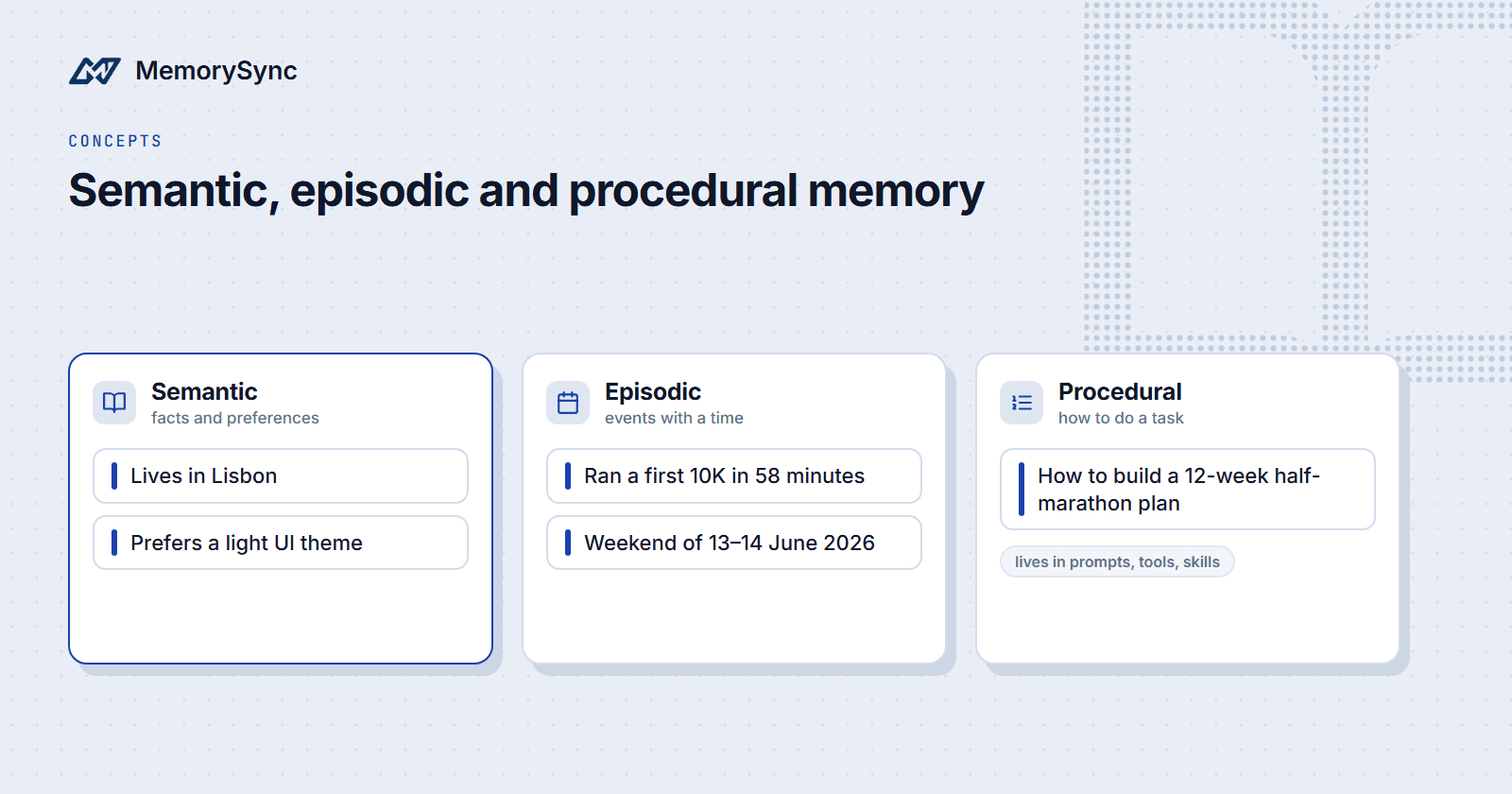
An agent coaching Sam toward a half marathon needs three kinds of knowledge: that Sam lives in Lisbon, that Sam ran a first 10K in 58 minutes in June, and how to build a training plan.
Each kind changes on a different schedule and belongs in a different place. Psychology has names for them, and the names are a practical way to decide where an agent keeps what it learns.
Where the terms come from
Endel Tulving distinguished episodic memory from semantic memory in 1972. Episodic memory holds personal experiences tied to a time and place, such as the morning of your first race. Semantic memory holds general knowledge detached from when you learned it, such as the fact that a half marathon is 21.1 km.
Procedural memory is knowing how to do something, such as riding a bike, and is usually treated as a separate system from the other two. The CoALA framework for language agents (Sumers et al., 2023) uses the same three terms.
The three types in an agent
| Type | In an agent | Example for Sam |
|---|---|---|
| Semantic | Facts and preferences about the user | Lives in Lisbon; prefers a light UI theme |
| Episodic | Specific events, with a time and context | Ran a first 10K in 58 minutes, weekend of 13–14 June 2026 |
| Procedural | How to do a task: instructions, tool definitions, skills | How to build a 12-week half-marathon plan |
Semantic memory makes up most of a memory store. Each item stays true until it changes: a city, a preference, a goal.
Episodic memory records that something happened, and the date is part of the record. Knowing the 10K was in June lets the agent measure Sam's progress in the weeks since.
Procedural memory is the agent's know-how: its instructions, the tools it can call and any skill files it loads. It is knowledge about the agent's own work and is the same for every user it serves.
The types also feed each other. Repeated episodes often point to a semantic fact: three skipped Monday runs suggest that Monday runs do not suit Sam. Once Sam confirms it, store that as a preference of its own, so the agent does not have to infer it from the episodes each time.
Where each type should live
Semantic: in the memory store
Store facts and preferences per user, retrieve a few by meaning on each turn, and replace them when they change. This is the case memory stores are built for.
Episodic: as events with absolute dates
Write events with absolute dates. "Last weekend" only means something relative to the moment it was said, and stored text does not carry that moment with it.
Resolve the date before you write. If Sam says "I ran my first 10K last weekend" on Tuesday 16 June 2026, store "Ran first 10K in 58 minutes on the weekend of 13–14 June 2026". When the exact day is unclear, keep the range rather than guess.
from datetime import date, timedeltafrom memorysync import MemorySyncClientms = MemorySyncClient(api_key="...",base_url="https://api.memorysync.io",end_user_id="sam",)said_on = date(2026, 6, 16) # when Sam sent the message (a Tuesday)saturday = said_on - timedelta(days=said_on.weekday() + 2)sunday = saturday + timedelta(days=1)ms.add(f"Ran first 10K in 58 minutes on the weekend of {saturday:%d}–{sunday:%d %B %Y}.")
Resolve relative dates against the time the user sent the message, which your application already records. The time a write reaches the memory store can be later, for example when messages are processed in a batch overnight, and "last weekend" would then point to the wrong days.
Keep the events a later task will need, such as race results, injuries and plan changes. Leave out events whose value ended with the conversation, such as a question about the weather.
Store what makes an event useful later along with the date: the distance and time for a race, the body part and the date it started for an injury. An event that says only "had a bad run" gives a later task nothing to work with.
Procedural: in prompts, tools and skill files
How to build a training plan is the same for every user. It belongs in the system prompt, a tool definition or a skill file in your codebase, under version control, where you can review and test it.
Stored as user memories, a procedure is copied into thousands of user scopes. Changing it means rewriting every copy, and it only reaches the prompt when it happens to rank among the top results for a query.
Per-user adjustments to a procedure are semantic facts. "Sam wants rest days on Fridays" changes how the plan is built, but it describes Sam, so it goes in memory and the procedure reads it at run time.
Common mistakes and fixes
| Mistake | What goes wrong | Fix |
|---|---|---|
| Relative dates in stored events | "Last weekend" is wrong a week later | Resolve to an absolute date before writing |
| Events stored without a date | "Ran a 10K in 58 minutes" reads as a current ability | Put the date in the text |
| Changes stored as a stream of events | "Moved to Lisbon" and "moved to Porto" leave two cities on file | Store the current fact and replace it on change |
| Procedures stored as user memories | Every user holds a copy that drifts from your code | Keep procedures in prompts, tools and skill files |
| Every event kept forever | Old episodes crowd out current facts | Keep the events a later task will use |
Most of these mistakes come from storing text in the shape it arrived. A chat message mixes a fact, an event and sometimes an instruction in one sentence. Splitting it by type before it is stored is what keeps each part useful later.
How MemorySync types memories
MemorySync extracts durable facts from what you send, and each extracted memory carries a type, such as fact, preference or intent, along with a key and a value.
- "I moved to Lisbon last month." becomes the
fact"Lives in Lisbon", with keycity. - "I prefer dark mode in every editor." becomes a
preferencewith keyui_theme. - A sentence ending "and I am training for a half marathon in March" yields the
intent"Training for half marathon in March", with keytraining_event.
The key is what makes replacement possible. A new city value for Sam replaces the old one, so a move from Lisbon to Porto leaves one city on file instead of two.
Query responses include a context string that groups the returned memories by type, under headings such as "User Facts:" and "User Preferences:", so facts and preferences reach the prompt in separate, labeled groups.
Dates are where your application has to step in. Relative dates are stored as written: "I ran my first 10K last weekend and finished in 58 minutes." was stored as "10K run on last weekend to finish in 58 minutes". Recency ranking uses the write time, created_at, which can be days after the event. Resolve dates before you write, or put the absolute date in the text.
Procedures stay out of MemorySync. Keep them in your prompts, tool definitions and skill files, and use memory for what is specific to each user.
Next step
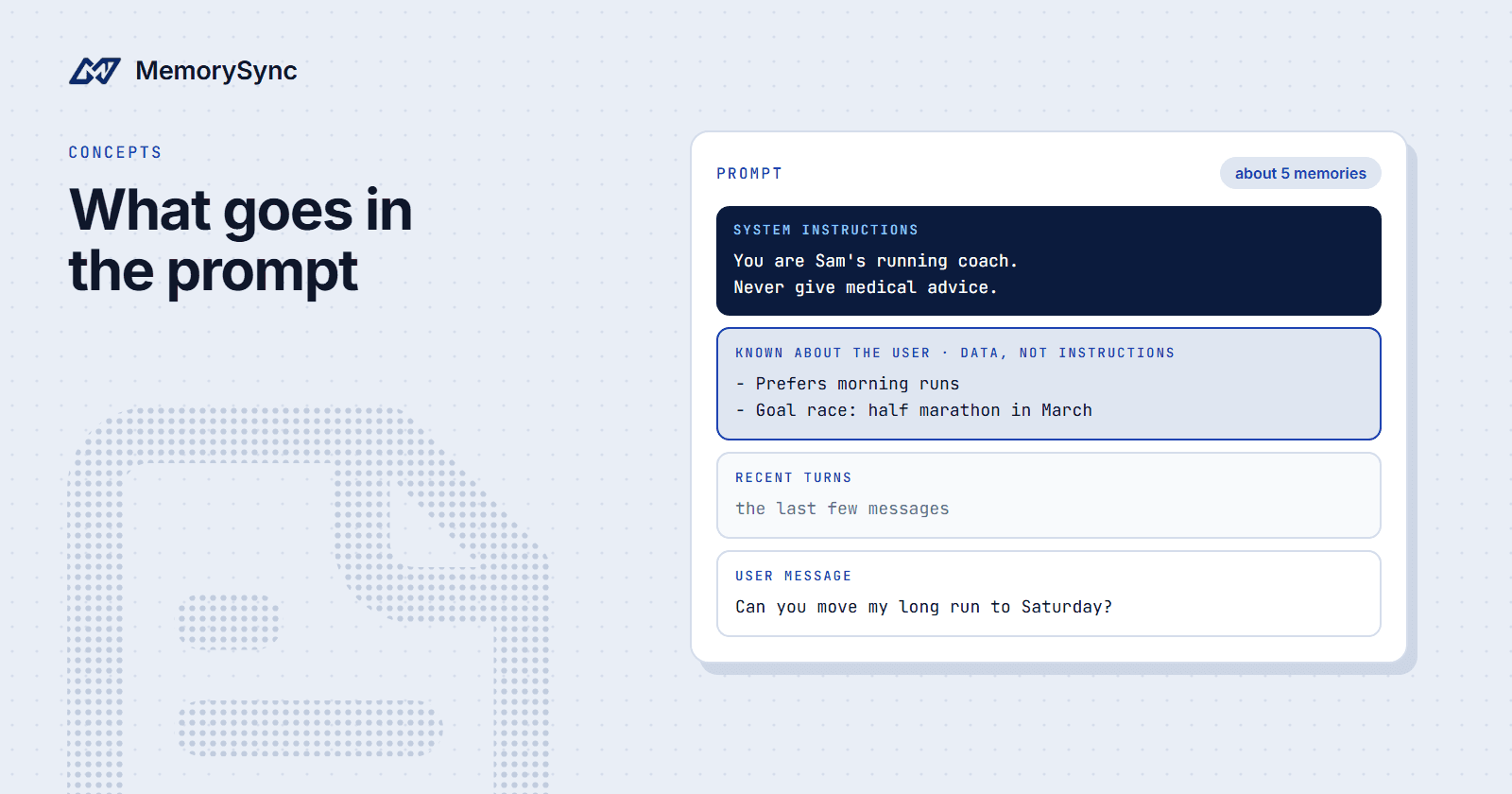
To see how the three types end up in one prompt, read Context Engineering: What Goes in the Prompt and Why.