Agents Can Now Sign Themselves Up
A coding agent can now mint its own MemorySync evaluation key with one unauthenticated request, prove the integration works, and hand you a command to claim it.
Published on 5 min read
On this page
Ask a coding agent to add long-term memory to your support bot and it gets as far as the signup form. It cannot receive a verification email or click a confirmation link, so it stops and asks you for an API key, and the work waits until you come back.
An agent can now create its own working key with one request: no email, no verification code, nobody signing anything. The account behind the key is real and metered, and it stays unowned until a person claims it.
One request, no account
The endpoint takes no authentication. The body is optional; agent_caller records which agent asked.
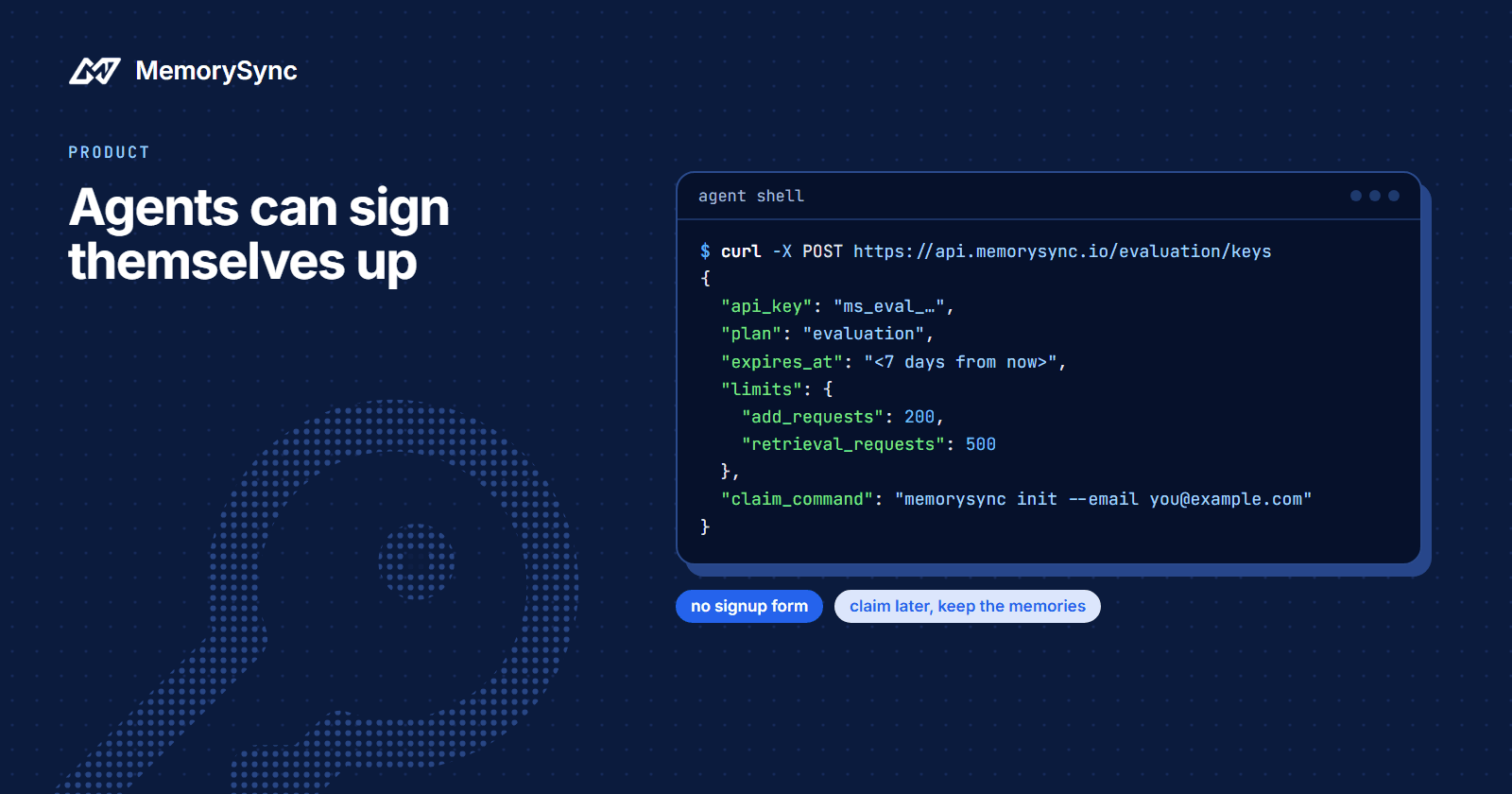
curl --request POST https://api.memorysync.io/evaluation/keys \--header "Content-Type: application/json" \--data '{"agent_caller":"claude-code"}'
It answers 201 with everything the agent needs to start:
{"api_key": "ms_eval_...","default_user_id": "wise-sparrow-9905","project_id": "proj_c5733a3da271404f","api_base_url": "https://api.memorysync.io","mcp_url": "https://mcp.memorysync.io/mcp","claim_command": "memorysync init --email you@example.com","plan": "evaluation","claimed": false,"expires_at": "<seven days after minting>","limits": {"add_requests": 200,"retrieval_requests": 500,"storage_bytes": 10485760},"message": "Evaluation key active. It expires in 7 days unless claimed. Run the claim command with your email to keep it and everything stored under it."}
What the fields are for:
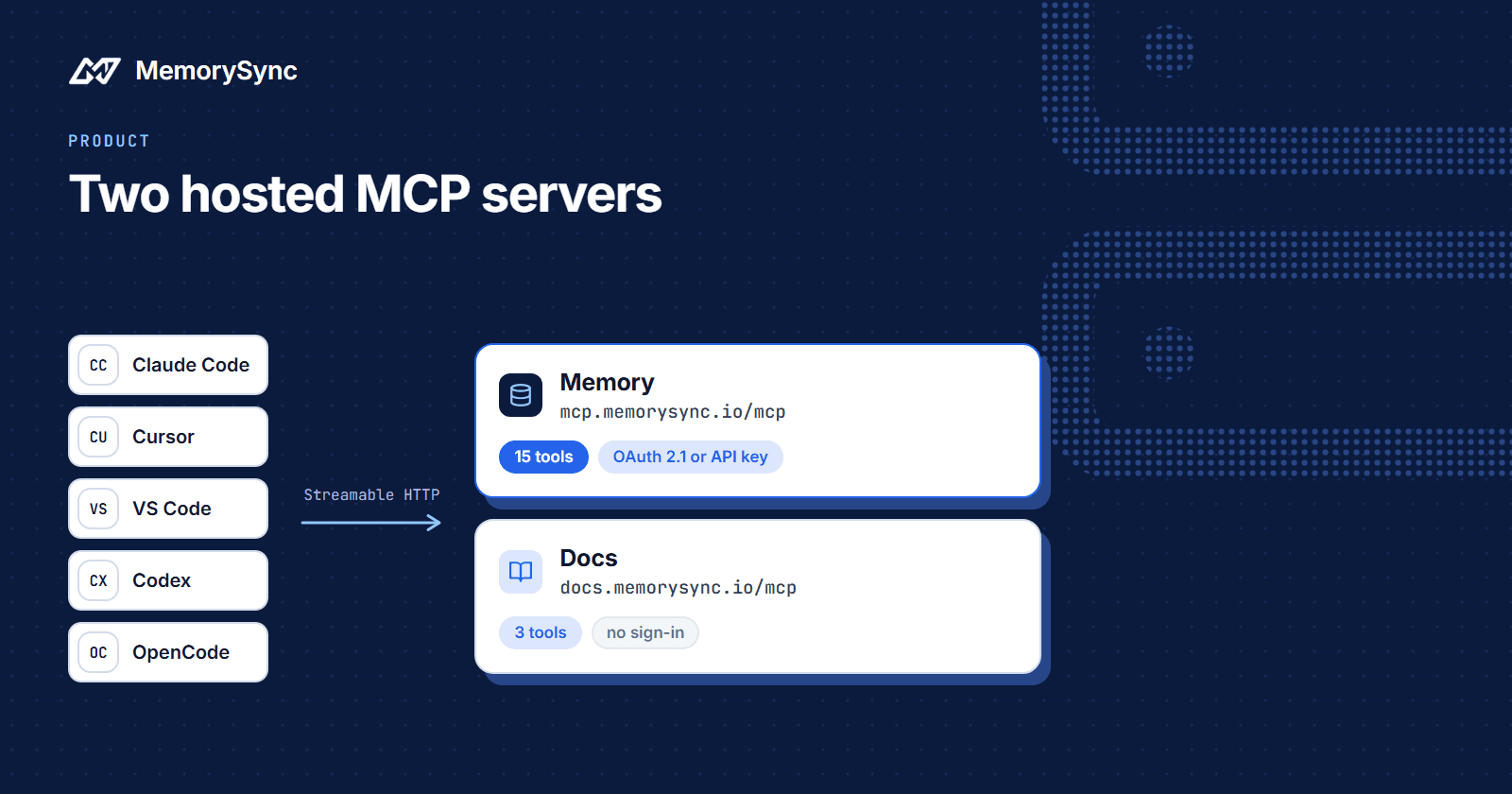
api_keyis the credential. Evaluation keys start withms_eval_.default_user_idis a generated end-user id. A key created by an agent has nobody to name the user after, so it arrives with one the agent can use without inventing an id and then forgetting which one it used.project_idis the project the key is bound to, so no project header is needed.mcp_urlis the memory MCP endpoint, for when you want an assistant to use the same memory. Two Hosted MCP Servers covers that server.claim_commandis what a person runs to keep the account, andexpires_atis an ISO 8601 timestamp seven days after the mint.
What an evaluation key allows
| Ceiling | Value |
|---|---|
| Writes | 200 add requests |
| Reads | 500 retrieval requests |
| Storage | 10 MB (10,485,760 bytes) |
| Lifetime | 7 days unless claimed |
At a ceiling, an evaluation key gets a 429 with limit_exceeded as the reason, and through MCP the same refusal arrives as a tool error carrying limit_exceeded. That is deliberate, and it is the opposite of what other plans do.
Free and paid plans degrade silently at their monthly limit: writes store nothing and still answer normally, and reads return an empty list, so an assistant never tells an end user about your billing. An evaluating agent has no end user to protect. If it received a quiet success, it would report a working integration that saved nothing, so it gets the error.
An evaluation key is also narrow by design. It cannot create API keys, so it cannot mint itself a wider credential. It cannot manage the team, billing, settings or OAuth apps, and it cannot attach a connector such as Slack or S3. Changing the plan needs a scope that no evaluation key is ever granted, so an agent cannot commit you to a subscription.
The CLI does it in one command
npm install -g memorysync-cli # or: pipx install memorysync-climemorysync init --agent --agent-caller claude-codememorysync identify alice # optional: rename the default end user
init --agent mints the key and stores it the way memorysync init stores any key: in the OS keychain where there is one, otherwise in an owner-only encrypted file. Every later command uses it with no further setup.
The Node CLI on npm and the Python CLI on PyPI are both called memorysync-cli. They are interchangeable and share stored keys, so an agent can mint with one and a person can carry on with the other.
identify changes the end user that later commands default to. It does not rename memories already stored under the generated id, so read those back with that id. The CLI reference lists every command and flag.
The evaluation loop
A key on its own proves little about your integration. The agent signup guide describes a short loop an agent can run unattended and report back on:
- Mint a key, as above.
- Add one fact, then query it back with the same
X-End-User-ID. The fact should come back inmemories. - Send a user turn through `add_turn`, then replay the identical request. The second response should answer
already_exists: true. - Check the meter with
GET /evaluation/usageormemorysync quota, to see what the loop consumed.
Steps 2 and 3 with cURL:
export MEMORYSYNC_API_KEY="ms_eval_..."export END_USER="wise-sparrow-9905"# Step 2: add one fact, then query it back as the same end usercurl --request POST https://api.memorysync.io/memory/add \--header "X-API-Key: $MEMORYSYNC_API_KEY" \--header "X-End-User-ID: $END_USER" \--header "Content-Type: application/json" \--data '{"text":"I prefer TypeScript over JavaScript."}'curl --request POST https://api.memorysync.io/memory/query \--header "X-API-Key: $MEMORYSYNC_API_KEY" \--header "X-End-User-ID: $END_USER" \--header "Content-Type: application/json" \--data '{"query":"language preference","k":5}'# Step 3: send one user turn, then the identical request againTURN='{"tenant_id":"default","user_id":"wise-sparrow-9905","text":"I ran my first 10K last weekend and finished in 58 minutes.","role":"user","speaker":"wise-sparrow-9905","occurred_at":"2026-08-17T09:30:00Z"}'for attempt in 1 2; docurl --request POST https://api.memorysync.io/v1/memory/add_turn \--header "X-API-Key: $MEMORYSYNC_API_KEY" \--header "X-End-User-ID: $END_USER" \--header "Content-Type: application/json" \--data "$TURN"done
The two add_turn responses differ in exactly the way the loop checks for:
# first request{"memory_id": null, "status": "processing", "processing_status": "distilling", "embed_mode": "none", "already_exists": false, "processing_error": null, "request_id": "106a13b4c78c49f0808924f25c106ecc"}# identical replay{"memory_id": null, "status": "ok", "processing_status": "skipped_replay", "embed_mode": "none", "already_exists": true, "processing_error": null, "request_id": null}
memory_id is null both times. add_turn stores the durable facts in a user turn, never the turn text, so it returns right away with status: "processing" and a request_id, and the facts appear shortly after. The replay is recognised because the same speaker, occurred_at and text arrived for the same user within 30 days, so nothing is extracted twice.
Send only user turns. Assistant, system and tool turns store nothing but still count as one add each, which matters when the whole budget is 200.
Ask the agent to put the x-request-id header from each response in its report. Every response carries one, and it is how you or our support team find the exact call later if something in the loop fails.
Claiming the account later
When you want to keep what the agent built, run the command it handed you. A code arrives by email and expires in 30 minutes. Finishing the claim does not need the key, so you can start it where the agent ran and complete it on another machine:
memorysync init --email you@example.commemorysync init --email you@example.com --code K7MP-3XQR
Claiming changes less than you might expect:
- The same API key keeps working and stops expiring.
- The same organization and project are kept, so every memory stored during the evaluation stays where it is.
- You become the owner, and the account moves to the free plan.
- The key keeps its narrow, memory-only scopes. Create a wider key in the dashboard when you need one.
Add --password to the second command to set a dashboard password in the same step. Without it the claim still succeeds, and a link to set a password is emailed to you.
Use an address that does not already have a MemorySync account. An address that does is refused with email_already_registered, because merging two organizations risks mixing one customer's data with another's. Sign in to the existing account instead.
Try it from your agent
Point your coding agent at Sign up as an Agent and ask it to run the loop before it writes any integration code.