Why a Bigger Context Window Is Not Memory
Replaying the transcript works for one session. Why cost, prefill time and session ends break it as memory, with an illustrative token model and a practical default.
Published on 5 min read
On this page
The simplest way to give a chatbot memory is to send the whole conversation with every request. It works for one session, and larger context windows let it work for longer.
As memory, it still fails, for reasons that get worse as the conversation grows: cost, time and the end of the session. A larger window also brings a relevance problem of its own. The example throughout is Sam, who chats with a running coach app most days.
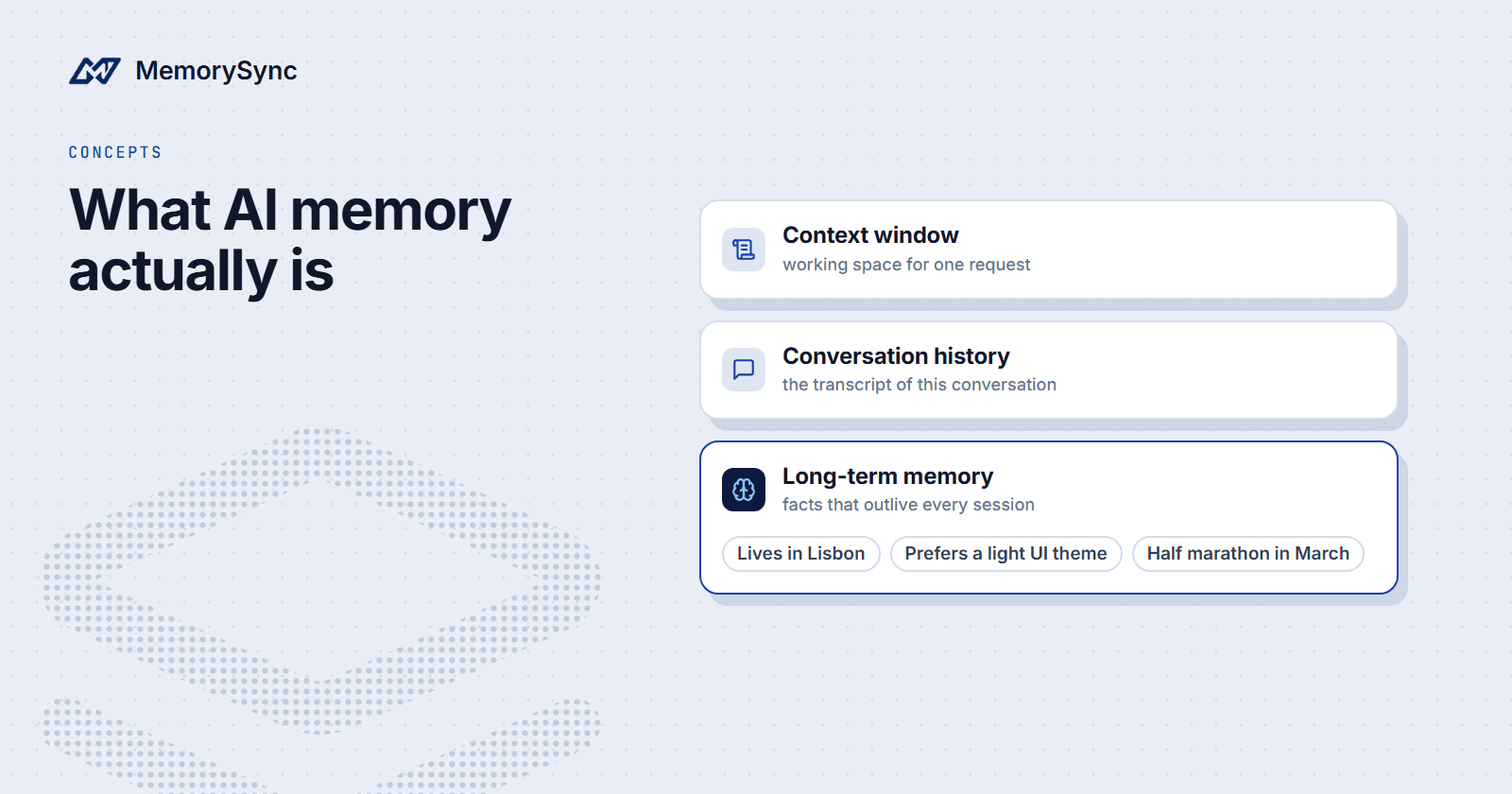
For definitions of the context window, conversation history and long-term memory, see What Is AI Memory?.
How transcript replay works
Replay keeps every message in the conversation and sends all of them, plus the new one, on each call. The model sees the full thread every time, so it can refer back to anything said earlier.
For a short conversation, replay is the right design. It needs no extra infrastructure, and nothing is dropped along the way. The problems start as the conversation gets longer.
Cost grows faster than turns
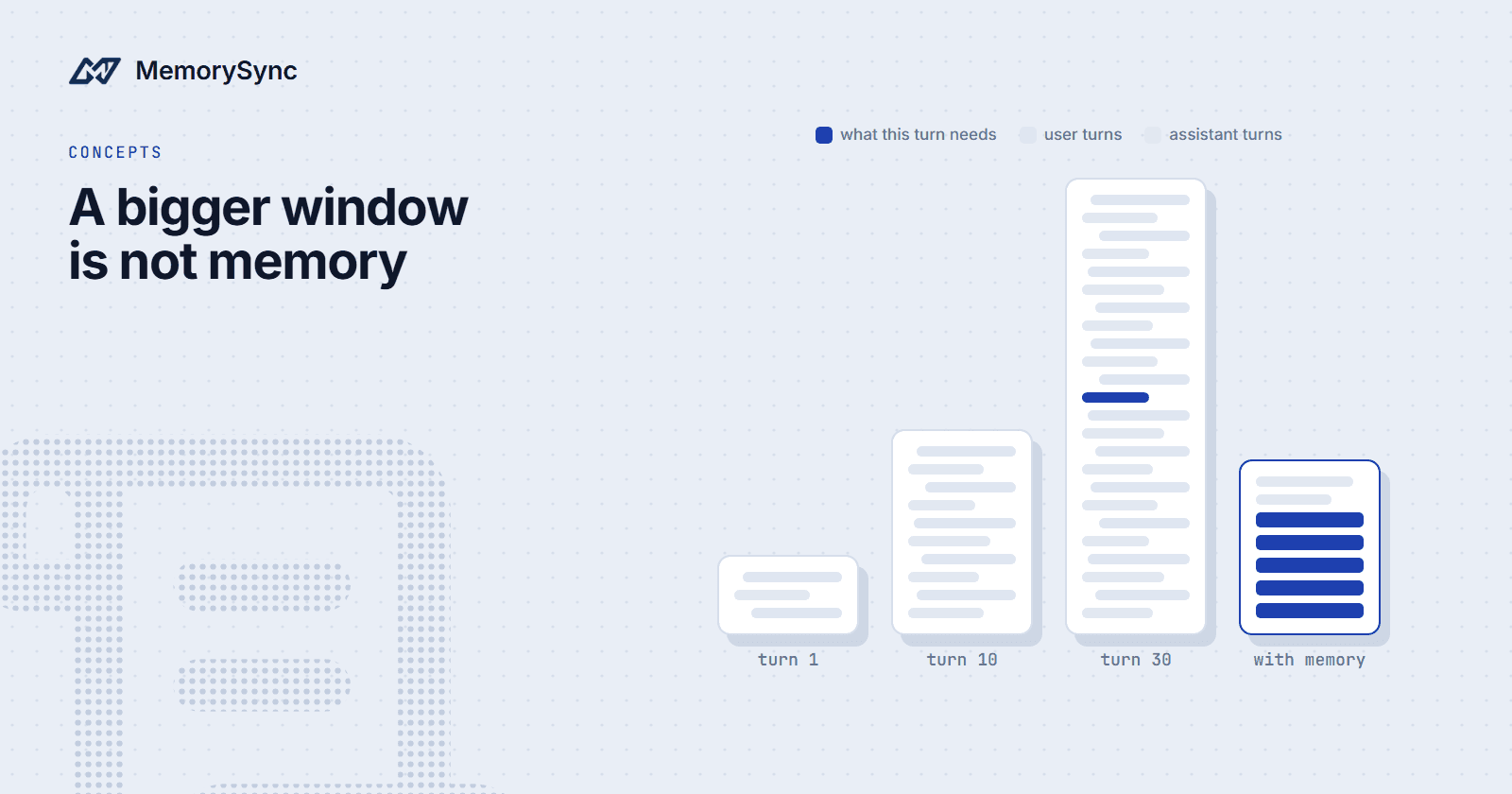
Each turn resends every earlier turn. Turn 10 pays for turns 1 to 9 again, and turn 30 pays for turns 1 to 29. Across a session, total input tokens grow roughly with the square of the number of turns.
A worked example: if each exchange adds about 1,000 tokens, turn 10 sends about 10,000 tokens and turn 30 about 30,000. The 30-turn session sends about 465,000 input tokens in total, where sending each exchange once would be 30,000.
Time follows the same curve. Before a model writes the first token of its reply, it processes the whole prompt, and that prefill time grows with prompt length. A 30,000-token prompt starts answering later than a 3,000-token one; how much later depends on the model and the provider.
Sessions end
Replay only covers the conversation being replayed. When Sam closes the app and comes back next week, the old transcript belongs to a finished session, and the new session starts empty unless something carried the important parts across.
Loading old transcripts into the new session makes the cost problem worse and buries the useful facts in old chatter. Sam's goal race and preferred running time end up as two sentences somewhere in thousands of tokens.
Some apps compress the old transcript into a running summary instead. That is cheaper, but each summary is written from the previous one, so a detail dropped once is gone for good. Nothing marks which details were dropped, and you cannot search a summary for one fact the way you can search a set of separate memories.
More context is harder to use
A larger window lets you send more, but the model does not use all of it equally well. In "Lost in the Middle" (Liu et al., 2023), models used information at the start and end of a long context better than information in the middle, and performance fell as the input grew longer, even for models built for long contexts.
Replay puts the facts that matter where models use them least. A constraint Sam stated in turn 3, such as no hill sessions before the race, ends up in the middle of thousands of tokens of unrelated conversation.
An illustrative token model
The MemorySync docs FAQ compares three strategies with a simple model. It is illustrative, not a measurement: the per-turn input token counts are assumptions, multiplied out over 30 turns per session and 1,000 sessions.
| Strategy | Input tokens per turn | 30 turns × 1,000 sessions | Relative spend |
|---|---|---|---|
| Resend the full history | 45,000 | 1.35 billion | 37.5× |
| Keep a 5,000-token window | 5,000 | 150 million | 4.2×, older turns dropped |
| Retrieve relevant memories | 1,200 | 36 million | 1.0× |
Under these assumptions, retrieval sends about 97% fewer input tokens than resending everything. The sliding window costs less than replay but drops older turns, including any fact the user stated early.
Put your own numbers in. The comparison holds as long as replay prompts grow with the session while retrieval prompts stay about the same size however long the session runs.
What belongs in the window
The context window is the place for what this one request needs:
- Instructions: the system prompt and the rules that always apply.
- The last few turns: enough recent conversation to resolve references such as "that one" or "the second option".
- A handful of retrieved facts: what is known about the user that bears on the current message.
- The current message: placed last.
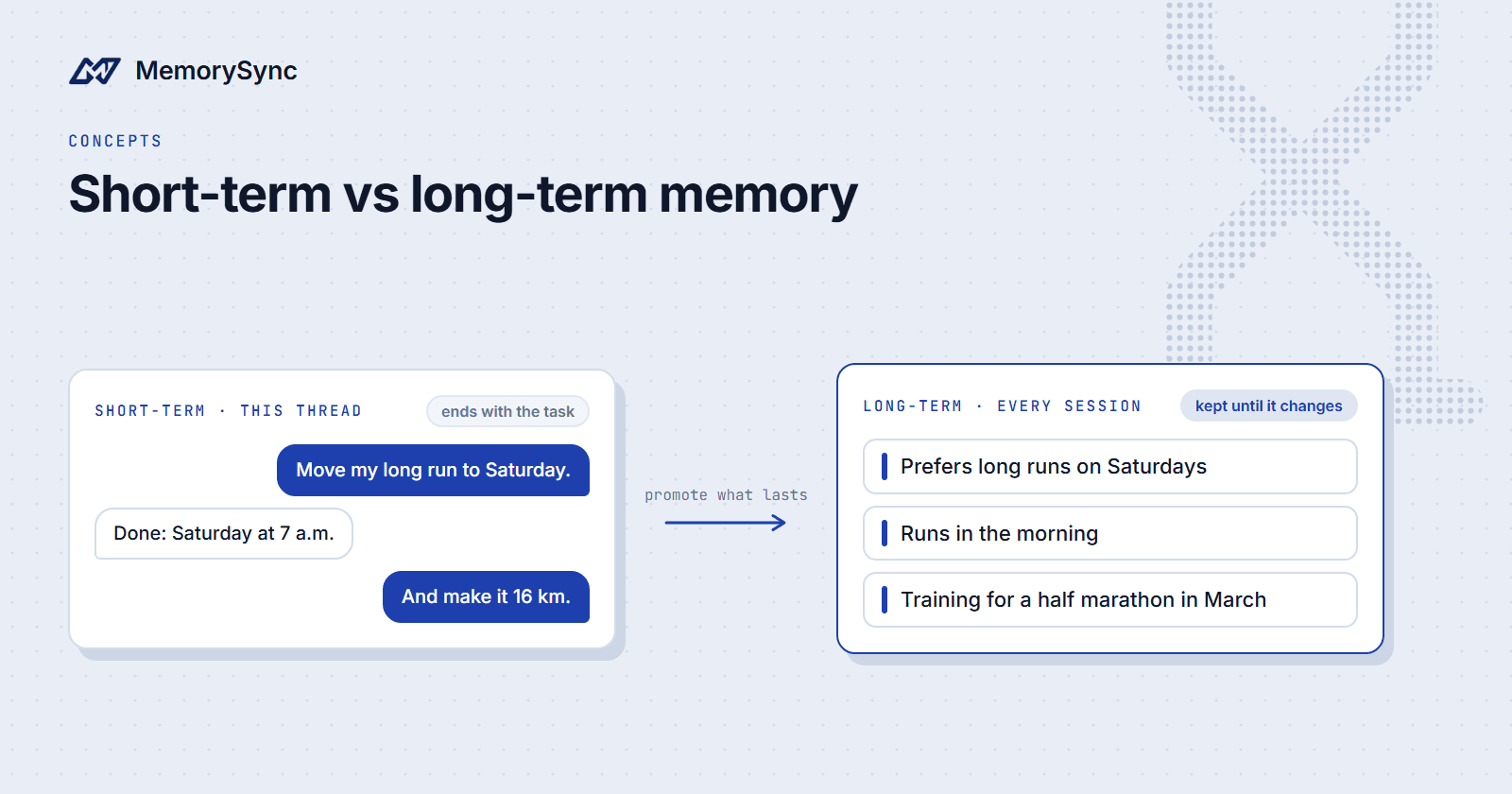
Long-term memory is the place for what outlives the request: where Sam lives, which race Sam is training for, and that Sam prefers morning runs. Those facts are stored once and fetched when relevant, instead of being resent in every prompt.
The split also changes what a long session costs. On turn 30, the prompt holds the same parts as on turn 3: the instructions, a few recent messages, a few memories and the new message. That is the 1,200-token row in the model above.
A practical default
For most chat products, this split is a good starting point:
- Keep a short tail of recent turns in the prompt, for example the last six messages.
- Before each model call, query memory with the current message and take about 5 results.
- After the turn, write back anything durable the turn established.
- If you need the full transcript for support or audit, keep it in your own database and leave it out of the prompt.
With the MemorySync Python SDK, steps 2 and 3 look like this:
from memorysync import MemorySyncClientms = MemorySyncClient(api_key="...",base_url="https://api.memorysync.io",end_user_id="sam",)def build_prompt(system: str, recent: list[str], message: str) -> str:result = ms.query(message, k=5)facts = "\n".join(f"- {m.text}" for m in result.memories)tail = "\n".join(recent[-6:])return (f"{system}\n\n"f"About the user:\n{facts}\n\n"f"Recent turns:\n{tail}\n\n"f"User: {message}")# After the reply, store anything durable the turn established.ms.add("Sam prefers morning runs.")
Facts written in earlier sessions are still there to retrieve when Sam comes back next week. Each query is one request over the network to our API, so make it once per turn, before the model call.
Do the write after the reply has gone out, so Sam is never waiting on it. If a write fails, the conversation can continue and the fact can be sent again later.
Next step
The cost optimization guide shows what to measure before you tune memory: add and query volume per workflow, and how many retrieved records your prompts actually use.